

Why tracing practice matters this early
Handwriting isn't just about producing legible letters — for a young child, the physical act of tracing is doing several kinds of developmental work at once. Guiding a pencil along a fixed path builds the fine motor control small hands need before they can write independently: the grip, the pressure, the wrist and finger coordination that most other early-childhood activities don't specifically train. Coloring and tracing both draw on that same hand development, which is part of why they show up together so often in early-childhood classrooms.
There's a cognitive side to it too. Repeatedly forming the same letter or word builds the kind of automatic, muscle-memory recognition that later makes reading faster and less effortful — a child who has physically traced the shape of their own name, or a specific sight word, tends to recognize that shape on a page more quickly than one who has only seen it. That early recognition is a real head start, not just a handwriting nicety, and it's a big part of why this site exists as more than a novelty generator.
The two skills reinforce each other rather than developing on separate tracks. A child who can already say a word by sight, but not yet write it, gets a different benefit from tracing than one who's still working out letter shapes for the first time — which is part of why this site treats single-letter drilling, whole-name practice, and sight-word recognition as related but genuinely distinct stages, not one generic "handwriting" bucket.
- Fine motor skills — guiding a pencil along a fixed path builds the grip, pressure control, and hand coordination needed for independent writing.
- Letter retention — repeated tracing reinforces a letter's shape more effectively than looking at it alone.
- Muscle memory — the physical motion of forming a letter becomes automatic with repetition, freeing up attention for spelling and reading later on.
- Early literacy — recognizing a traced word's shape on sight is a real head start toward reading fluency, not just a handwriting exercise.
What actually happens when you type
Typing a name into the field above doesn't just insert text into a template — it triggers the same rendering engine, running in the browser, that later builds the downloaded PDF. Every keystroke recalculates letter spacing, guide-line position, and auto-fit sizing on the fly, which is why a three-letter name and a twelve-letter one both come out correctly centered and legibly sized without anyone manually adjusting a font size slider. That calculation has to happen per font, not once globally, because each font's own letter widths, ascenders, and descenders sit differently against a guide line — a calibration table built once per font, then reused for every worksheet rendered in it, rather than approximated fresh each time.
The field labels themselves ("Enter First Name," "Select a Letter") were deliberately written as plain instructions rather than abstract form-field names, on the theory that a parent moving quickly between a printer and a distracted five-year-old shouldn't have to stop and interpret what a field wants. Nothing about that phrasing is decorative — it's the same practical bias toward "get this done and printed" that shapes most of the rest of the interface.
Choosing a tracing style for where a child actually is
Not every child needs the same kind of guidance, which is why every worksheet type on this site offers the same core set of styles rather than one fixed layout. Dotted trace gives the most support — a full outline to follow — and works best for a first attempt at an unfamiliar word. Solid model and Outline pull back slightly, showing the shape without every stroke pre-marked. Fade lightens the guide row by row across the page, so the same worksheet gradually asks for more independent recall without switching documents. Trace → Copy → Write stages that same progression explicitly within a single page — a modeled row, a couple of guided rows, then a row written from memory — so a parent or teacher can see the guided and unguided attempt side by side. Blank practice removes the model entirely, for checking whether a word that's been traced dozens of times has actually been retained.
None of these styles are locked to a specific worksheet type — the same five options apply whether the text being traced is a name, a sight word, a phone number, or a single letter, because the underlying difficulty a child faces (how much visual support they still need) doesn't actually depend on which category of word it is.
Why the preview matches the download exactly
A lot of worksheet generators show you one thing on screen and hand you something different in the PDF — text that doesn't quite sit on the guide lines, fonts that render differently, layouts that shift between what you saw and what came out of the printer. Getting the live preview and the downloaded PDF to match exactly turned out to be one of the harder engineering problems in building this site: browsers and PDF renderers compute font metrics differently, guide lines have to be calibrated per font rather than eyeballed, and a worksheet that looks fine on a laptop screen still has to print correctly at Letter or A4 size with real margins. We spent more calibration effort on this single problem than on anything else here, because a worksheet where the letters don't sit correctly on the lines isn't a minor cosmetic issue — it's actively unhelpful to a child using it to learn.
That reliability is also why there's no separate "preview mode" and "export mode" running different code paths that could quietly drift apart from each other over time. The page you're looking at while you type is generated by the same rendering engine that builds the PDF a moment later, so there's structurally nothing for the two to disagree about.
From one child's worksheet to a whole classroom
A single parent generating one worksheet at a time is the simplest case this site handles, but it's far from the only one. Teacher Worksheets takes a pasted list of names — up to thirty at once — and returns a single combined PDF with one personalized worksheet per student, all sharing the same style, guide-line pattern, and layout choices. It's built on the exact same rendering engine as the single-name editor, just looped across a list, so a class set doesn't sacrifice any of the calibration accuracy a single worksheet gets.
That matters for the ordinary version of this problem: a teacher who needs twenty-five slightly different worksheets before Monday morning doesn't want to type each name in individually and download twenty-five separate files. Pasting the list once and getting one file back is the difference between this being a genuinely useful classroom tool and a novelty that only works for a single child at home.
Who this is actually built for, and why it's free
Most worksheets here start from a real, specific need: a parent wanting their child's name traceable a dozen different ways, a kindergarten teacher needing the same sight-word list personalized for twenty-five students, a tutor building a quick worksheet mid-session, or a homeschool family building personalized handwriting worksheets around whatever a specific child is working on that week. Teacher Worksheets exists specifically for the classroom case — paste a class list once, get one combined PDF back instead of generating worksheets one at a time.
A worksheet like this costs nothing to hand a child, and we think it should cost nothing to make, too. Plenty of sites treat basic tracing practice as something to gate behind a subscription or a per-download fee — a teacher buying supplies out of their own pocket, or a parent who just wants their kid to practice writing their name, shouldn't have to pay for it. That's not a promotional discount or an introductory offer; it's the actual model, supported by a small number of clearly-labeled ad placements rather than a paywall. There's no premium tier hiding better fonts or extra styles behind a subscription — everything on this site is available to everyone, every time, including Teacher Worksheets itself.
Built to work anywhere
This site doesn't check where you're printing from, and it isn't tuned for one country's classrooms. Every worksheet supports both Letter and A4 page sizes, the two standards that cover the overwhelming majority of printers worldwide, and nothing here requires a specific currency, region, or shipping address — just a browser and, eventually, a printer. A worksheet generated for a classroom in one country prints exactly as reliably as one generated anywhere else, because the underlying engine doesn't treat any one place as the default and everywhere else as an afterthought.
The same font calibration work described above happens once, per font, and then applies identically regardless of where the page is printed — there's no region-specific version of the rendering engine to fall out of sync with the main one.
Why this engine covers more than just names
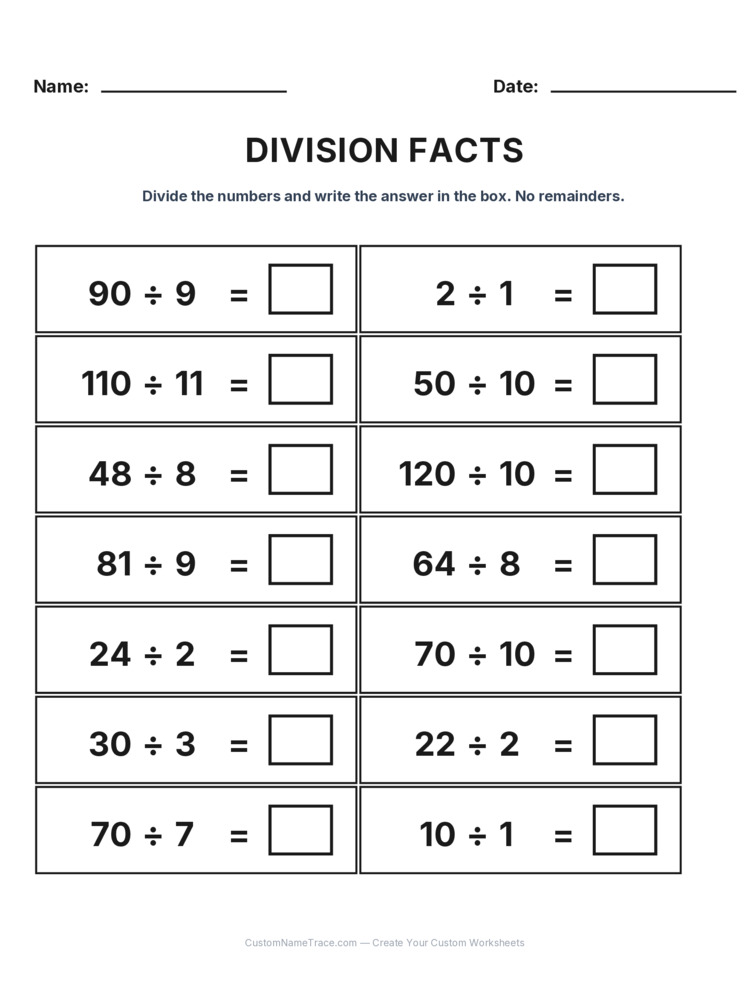
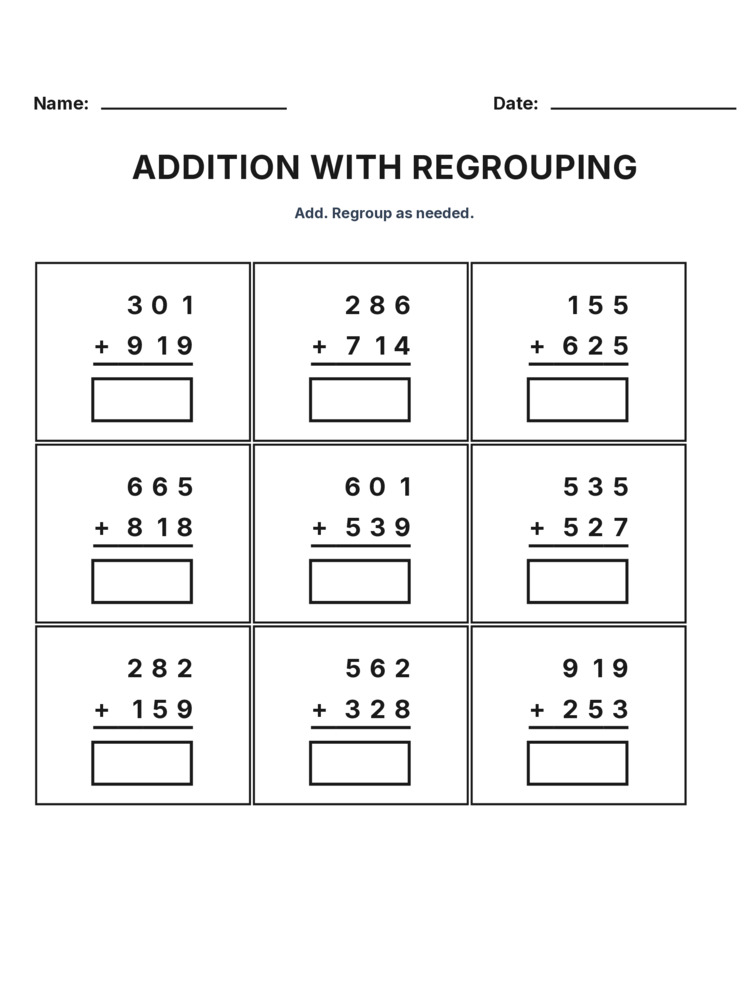
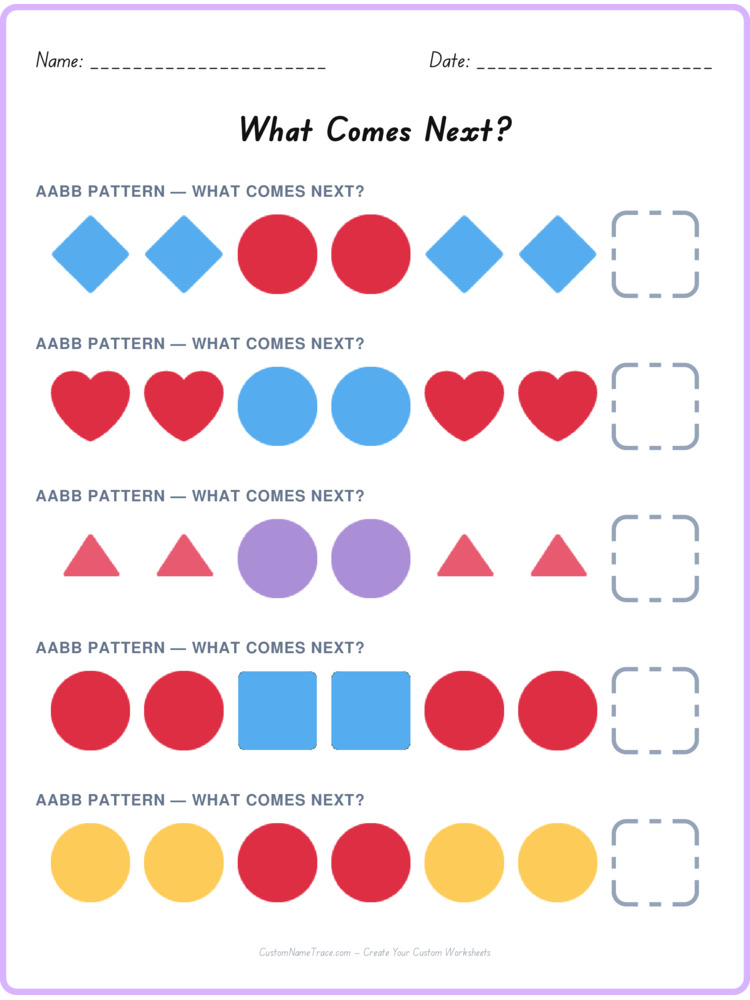
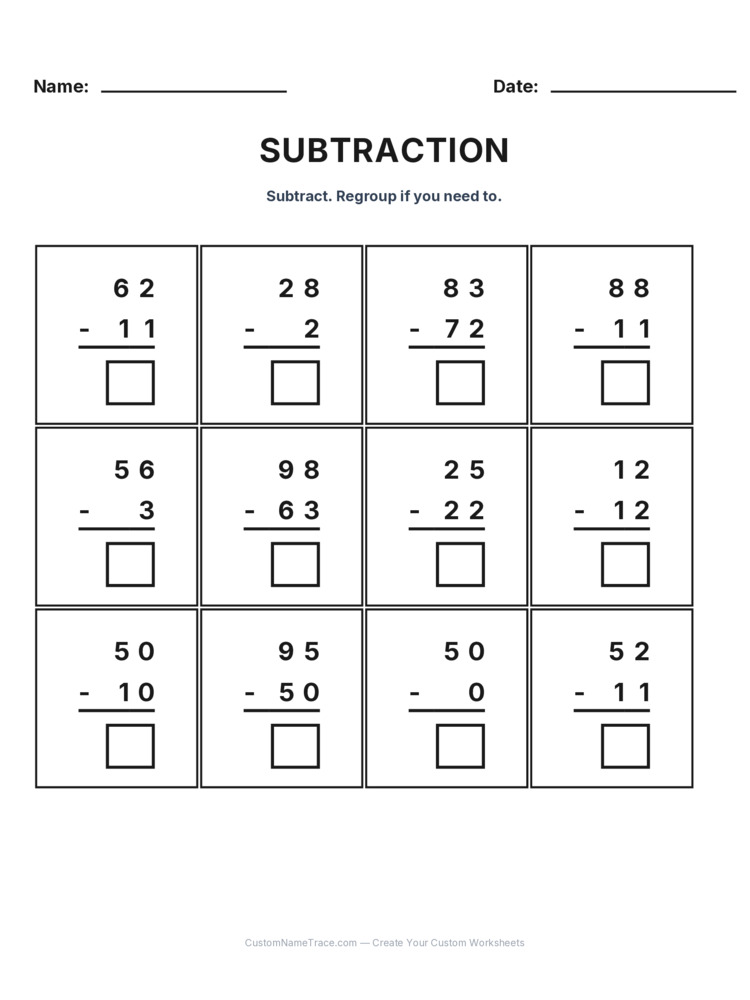
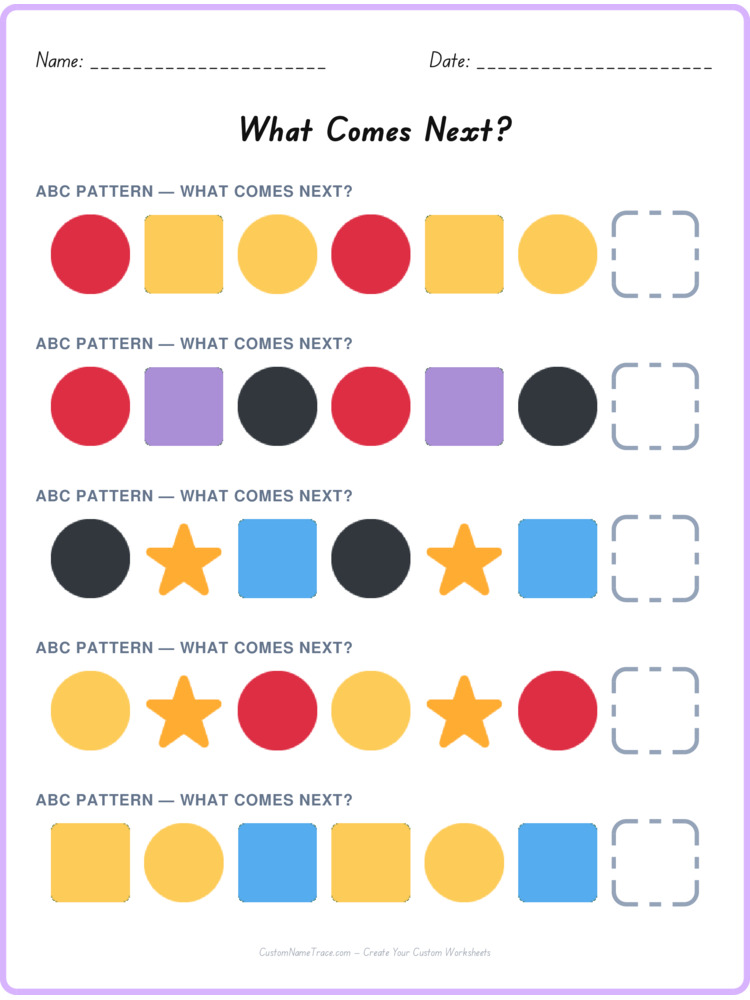
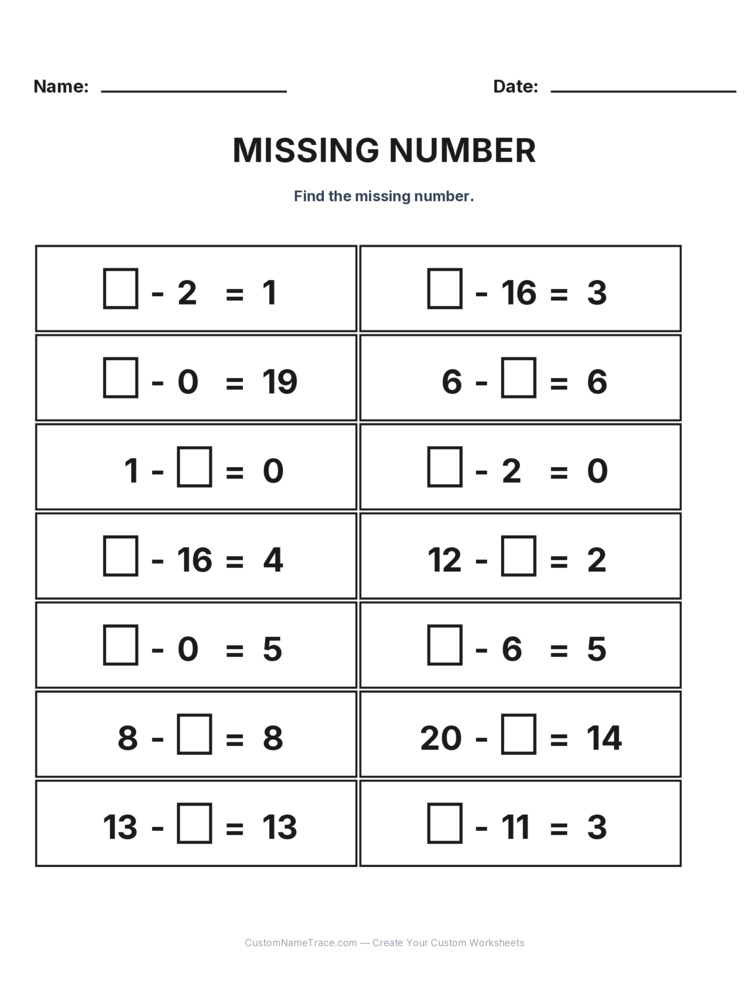
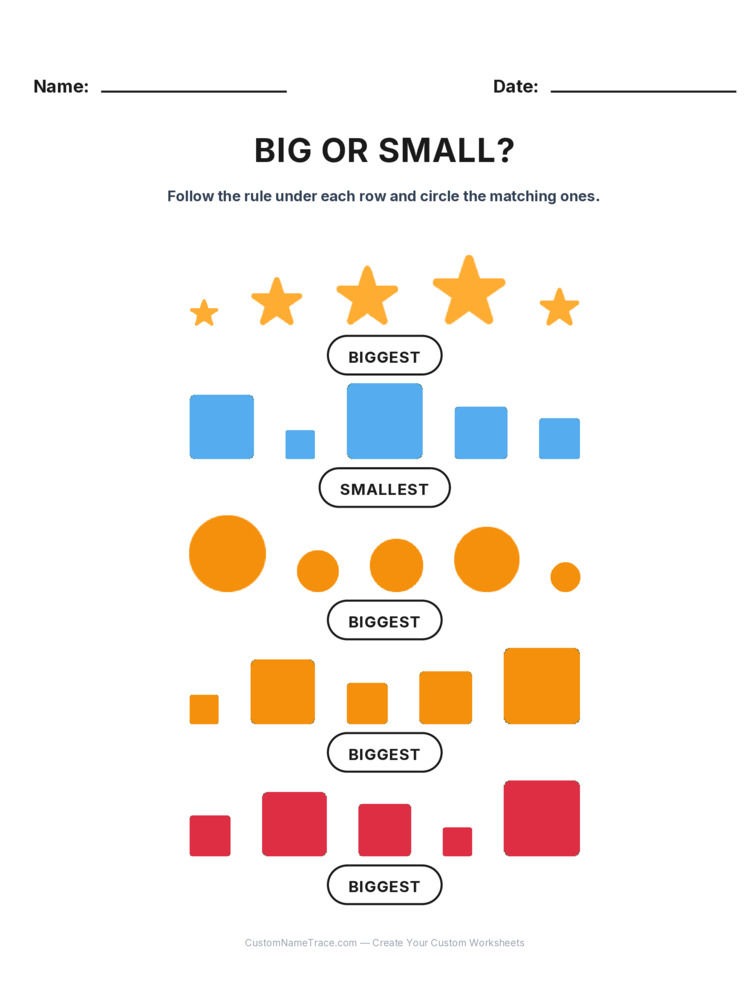
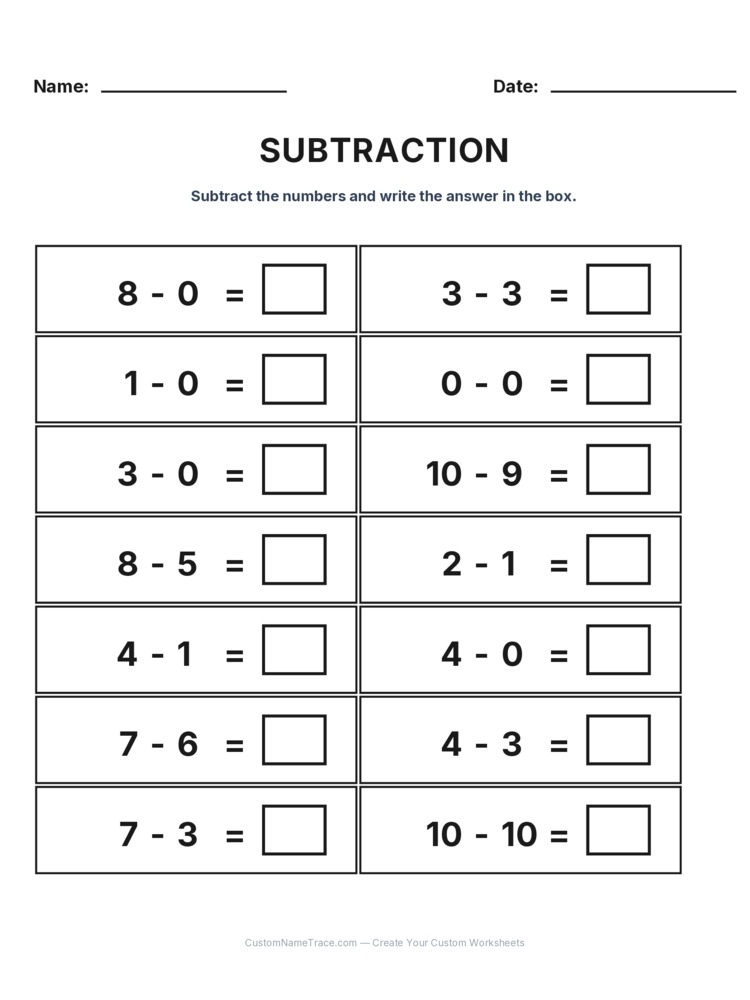
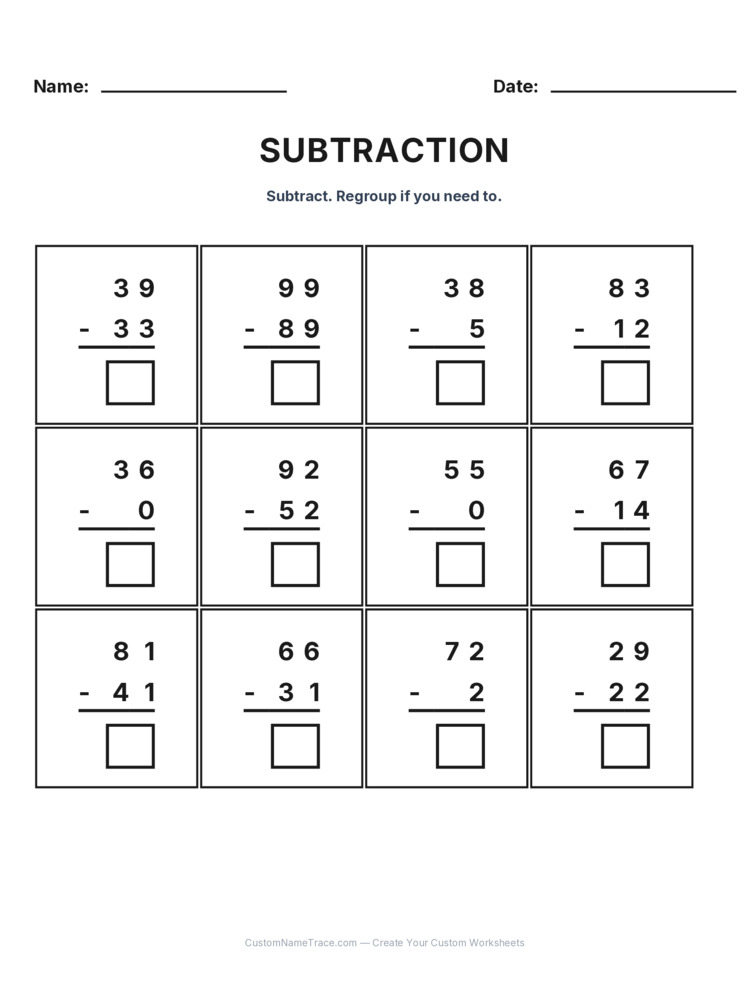
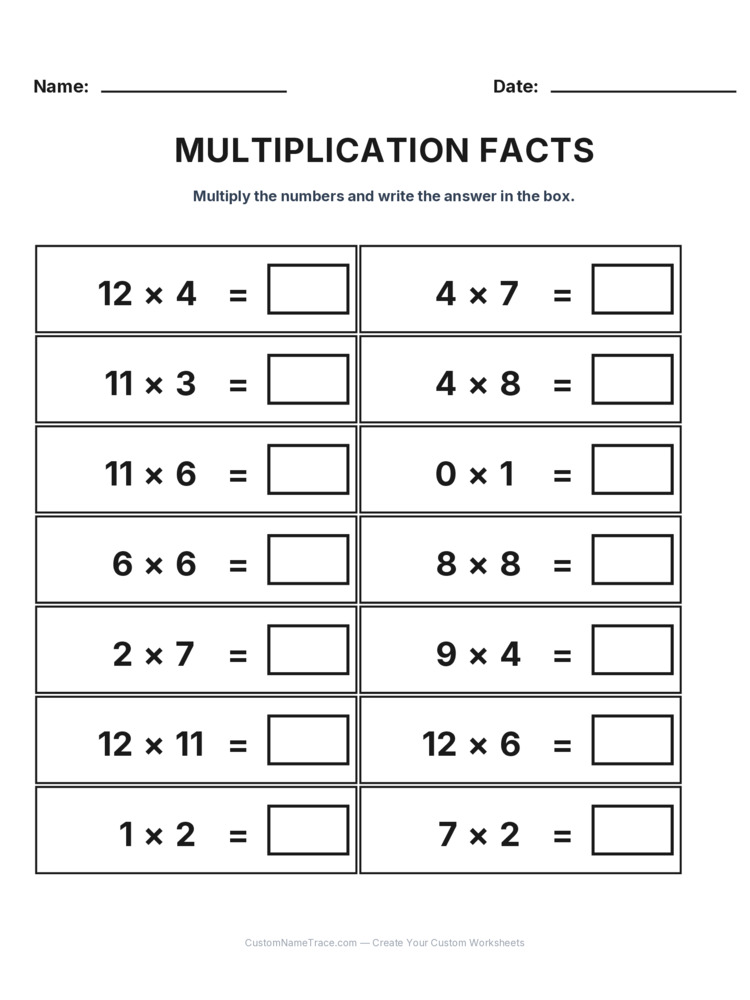
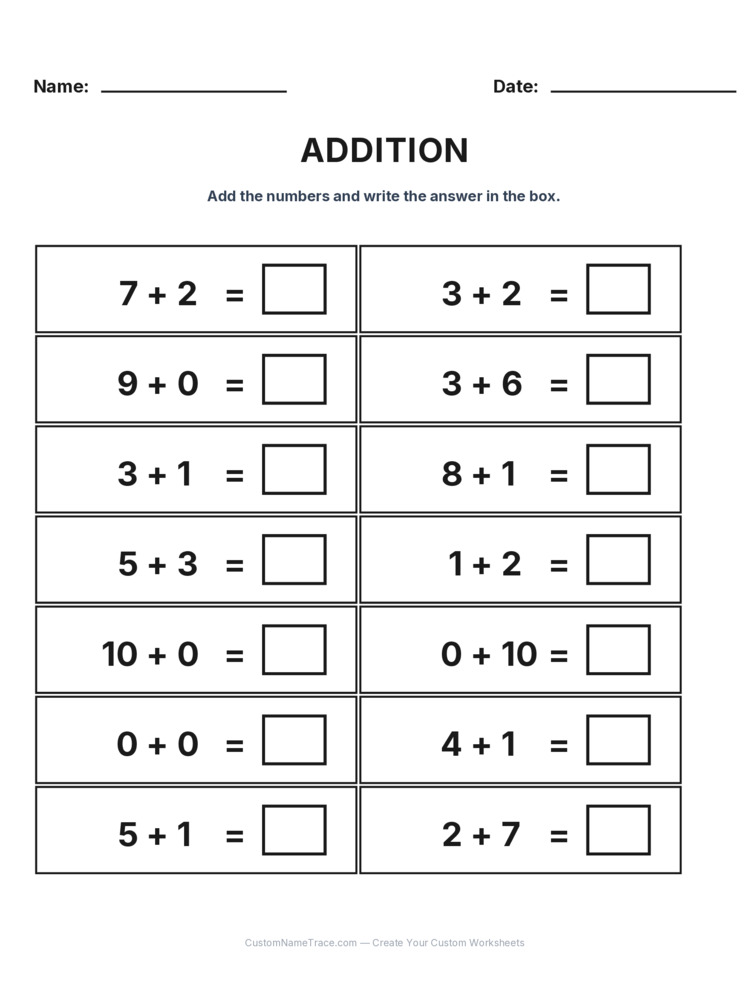
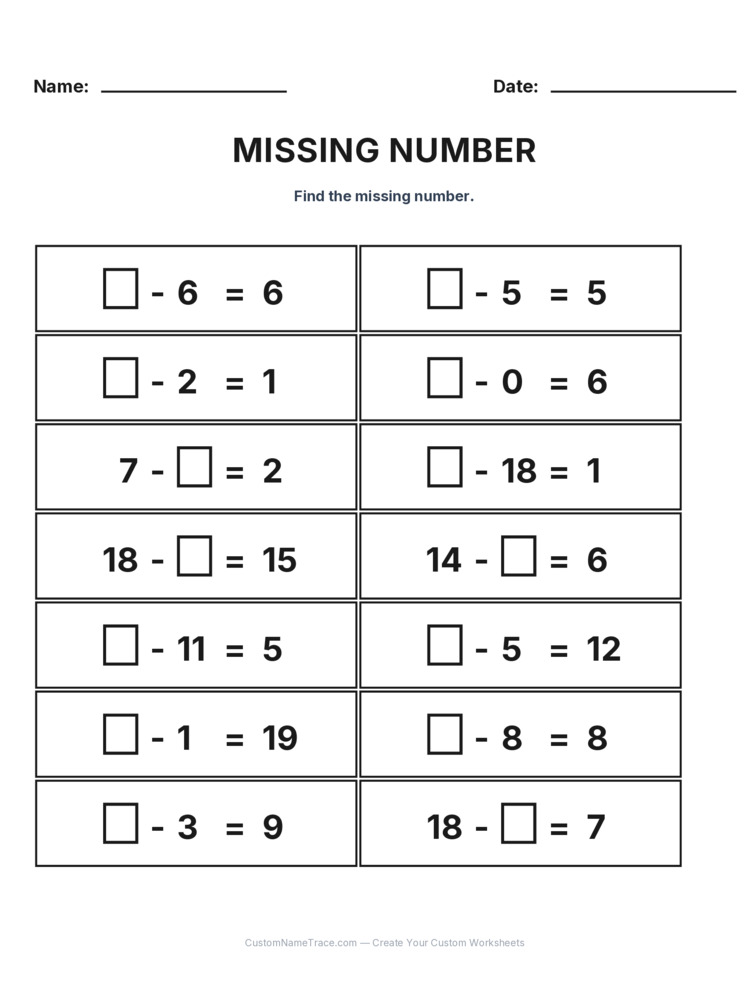
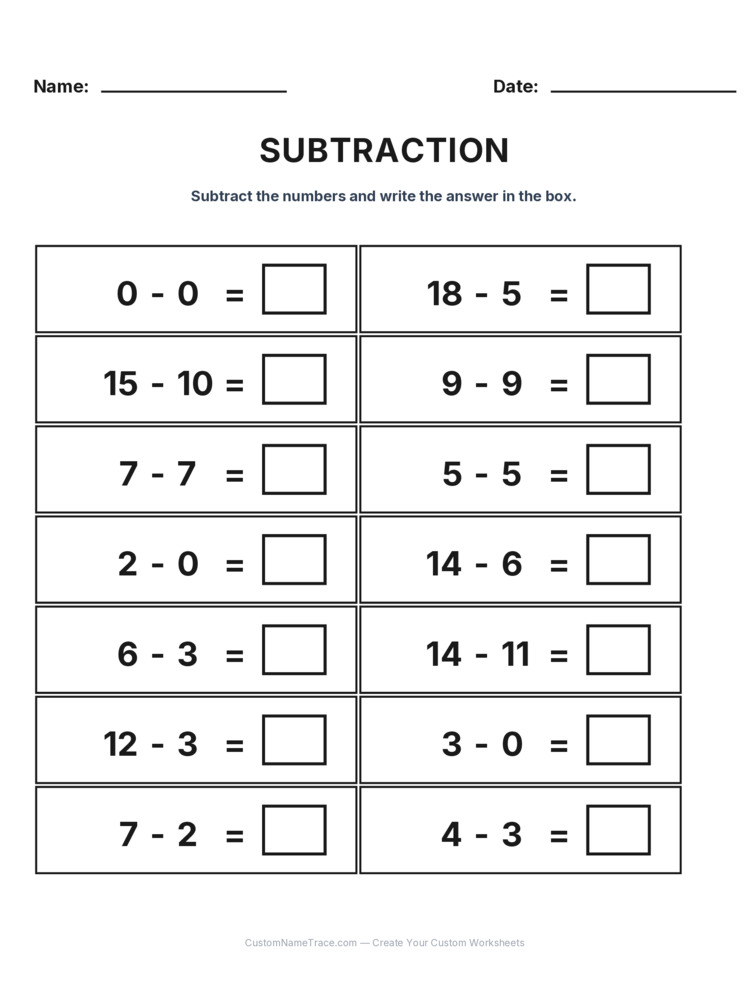
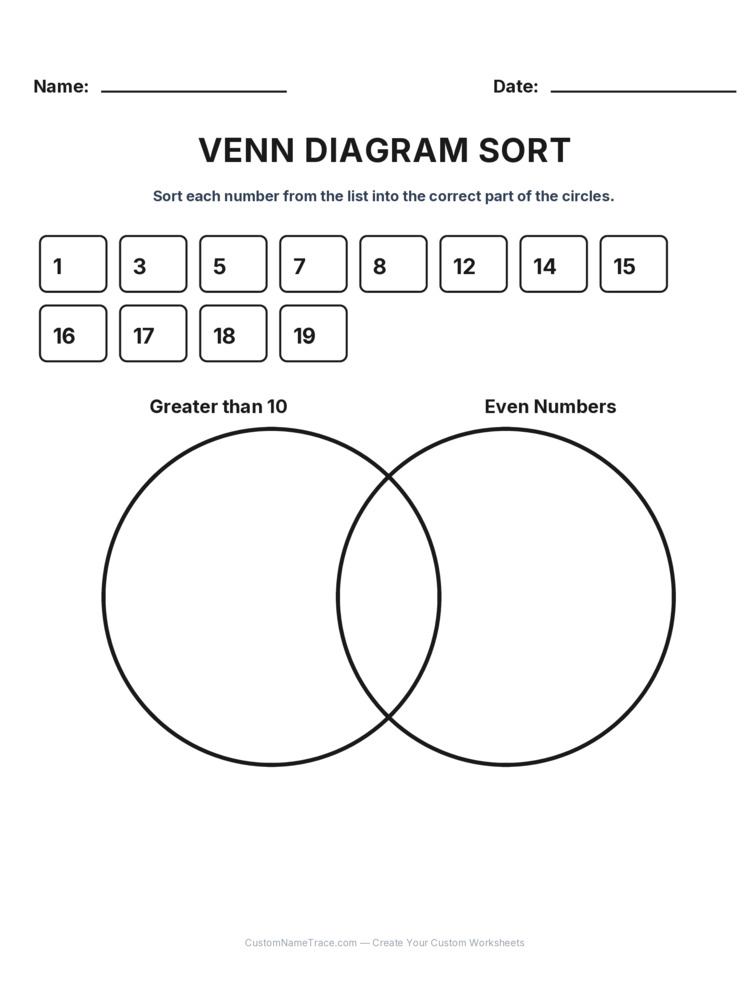
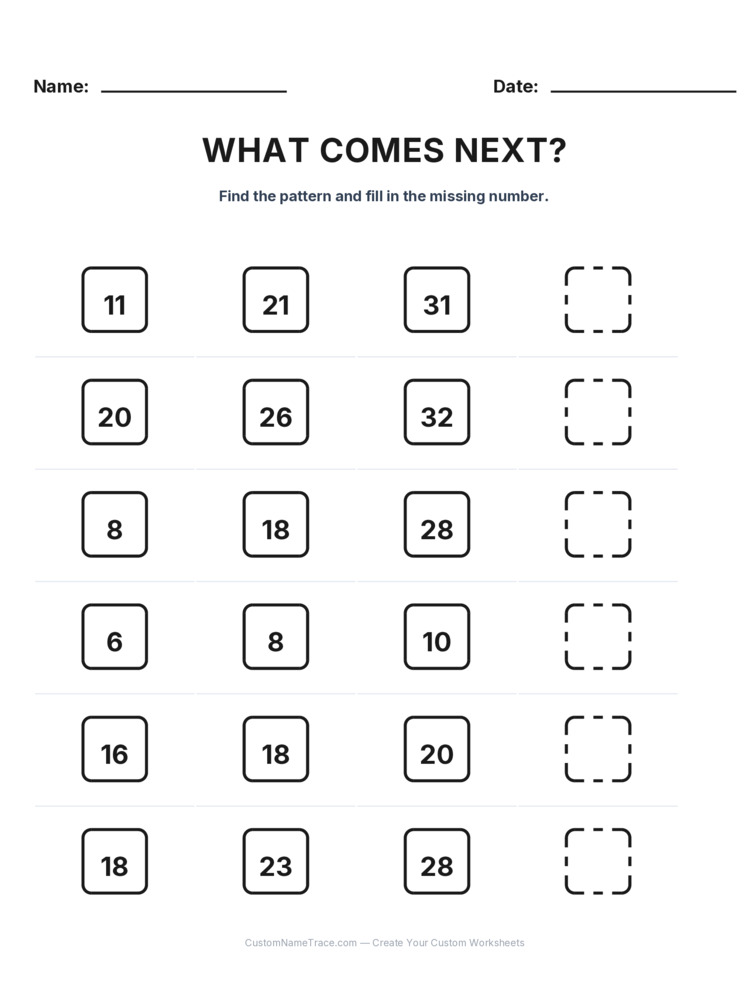
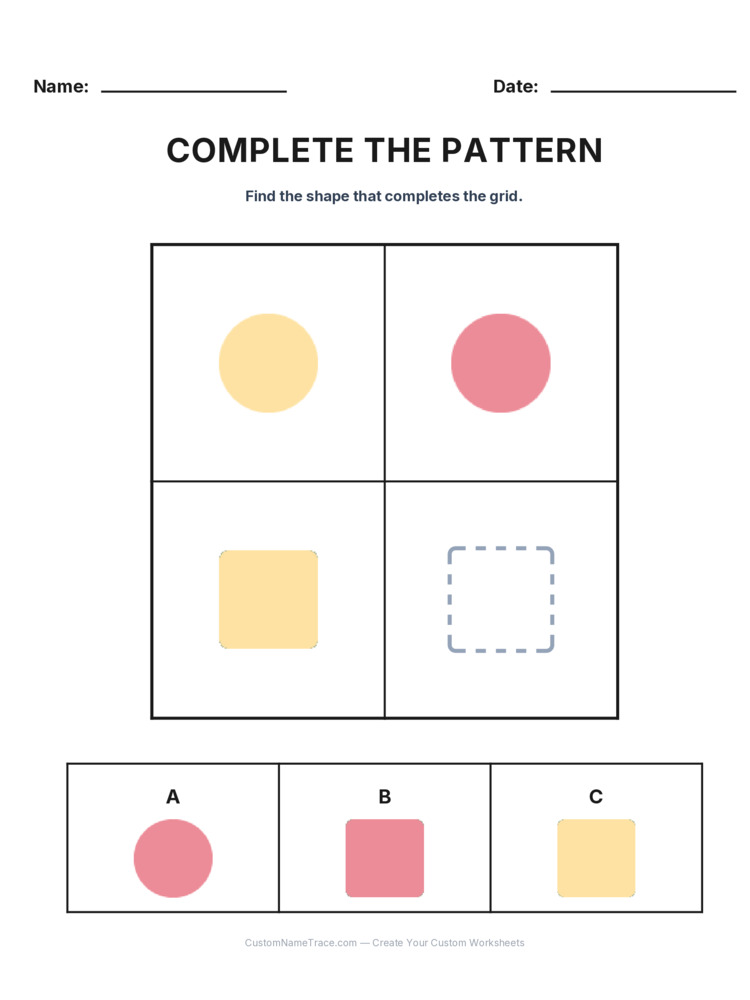
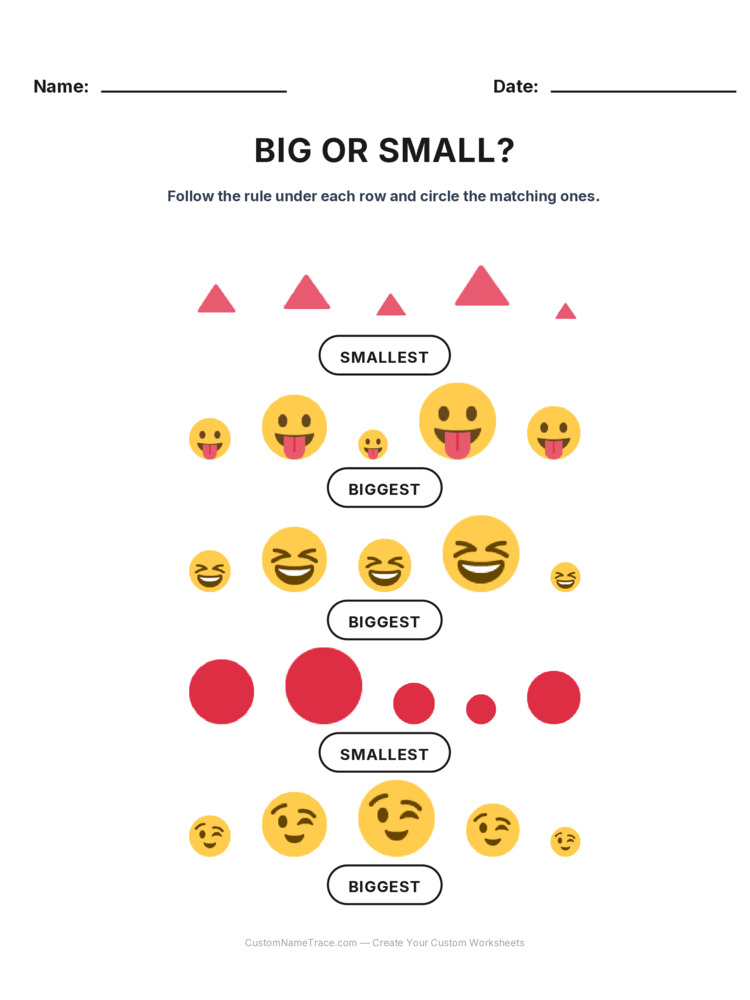
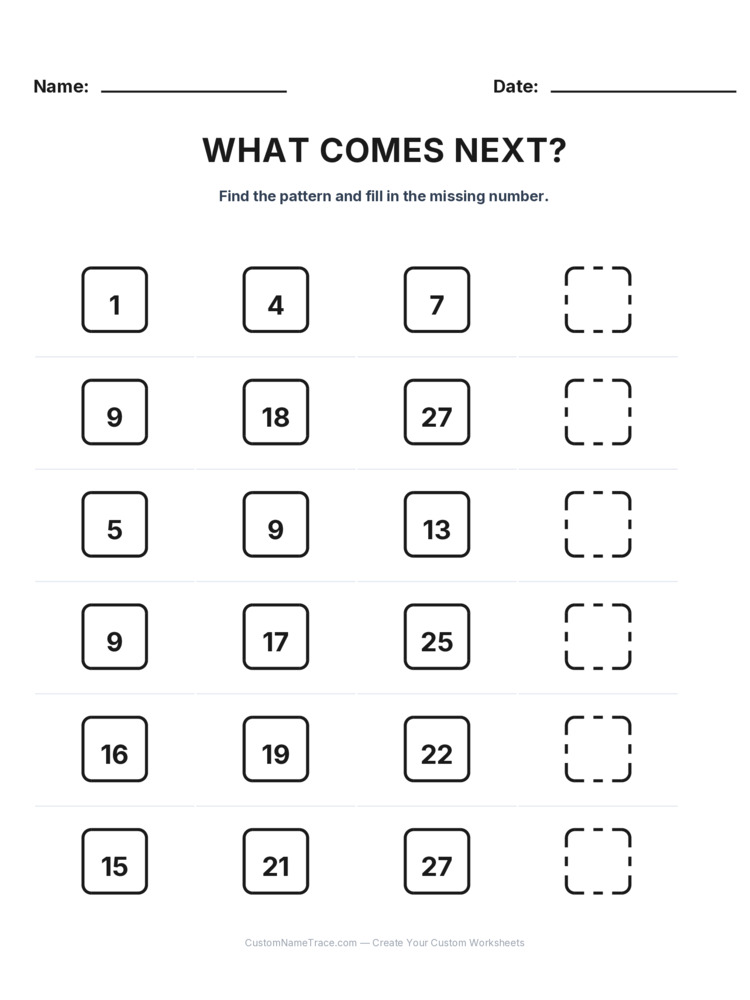
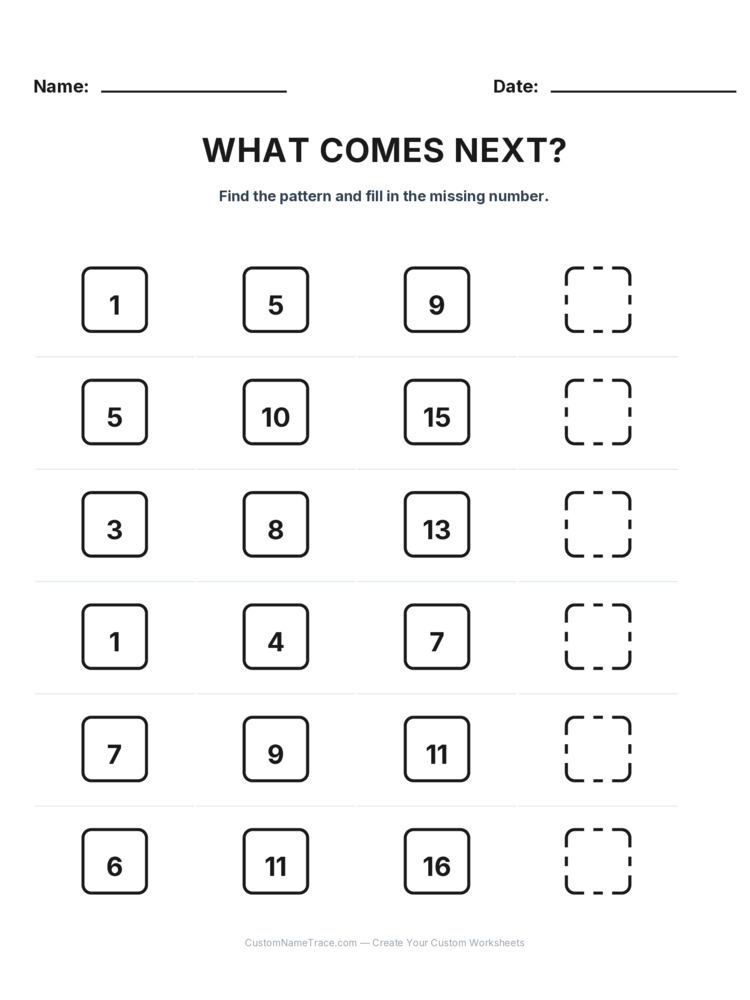
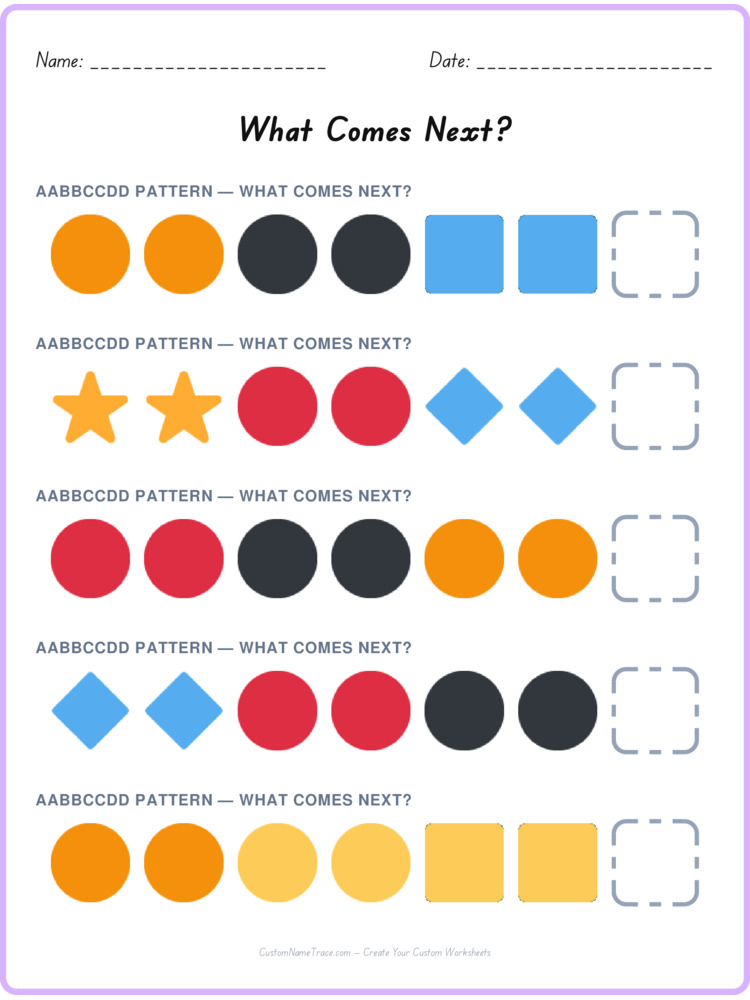
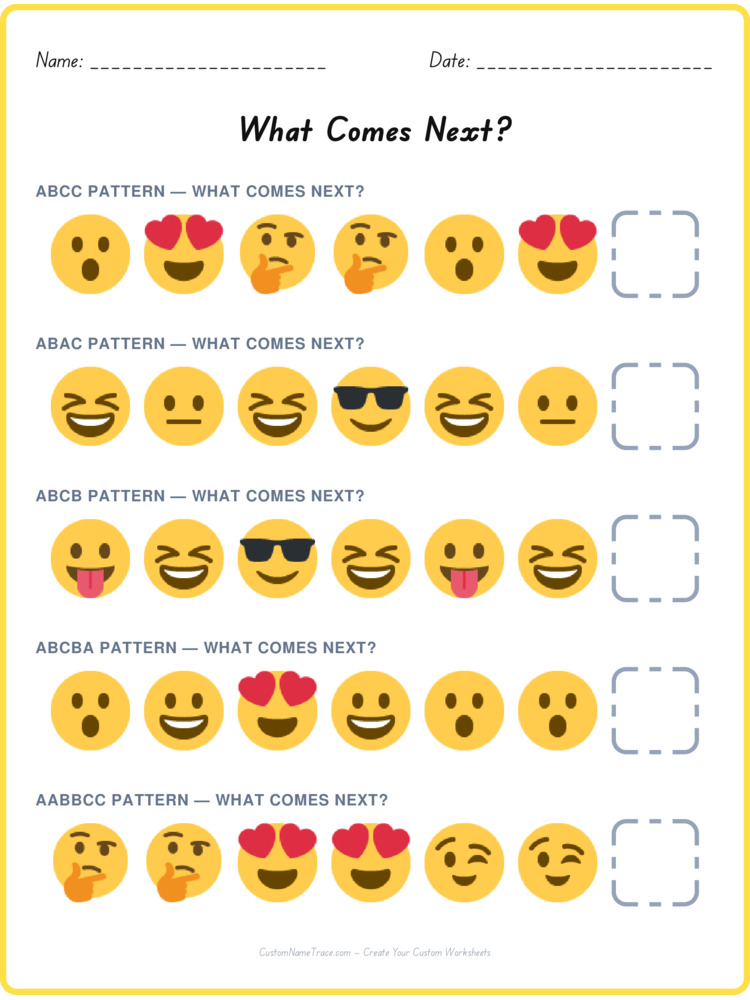
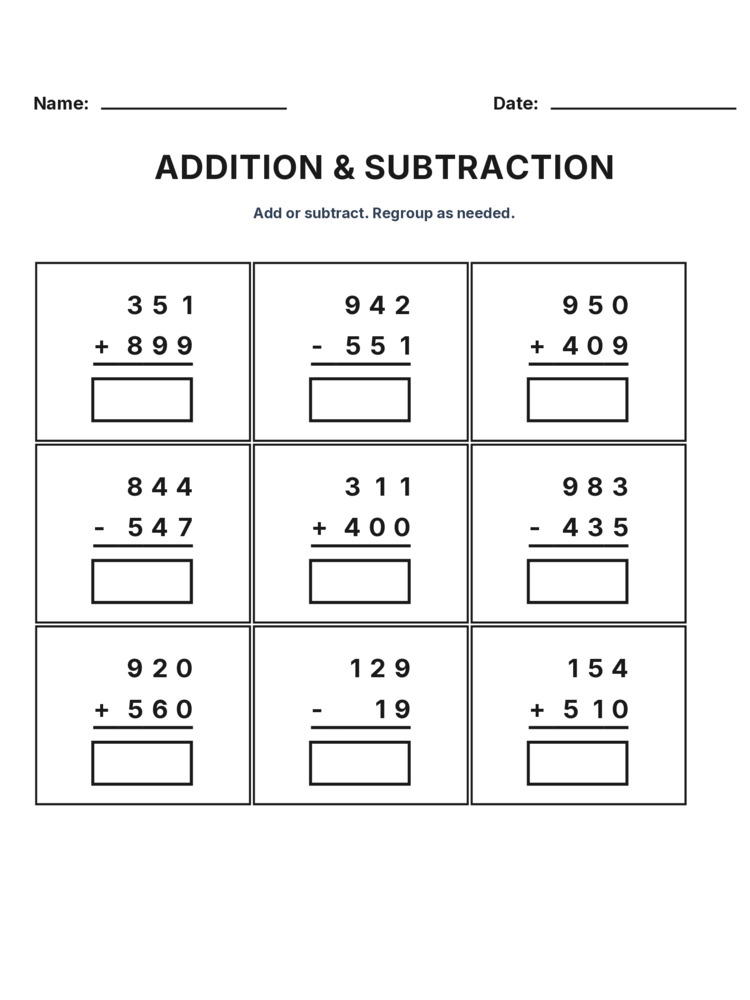
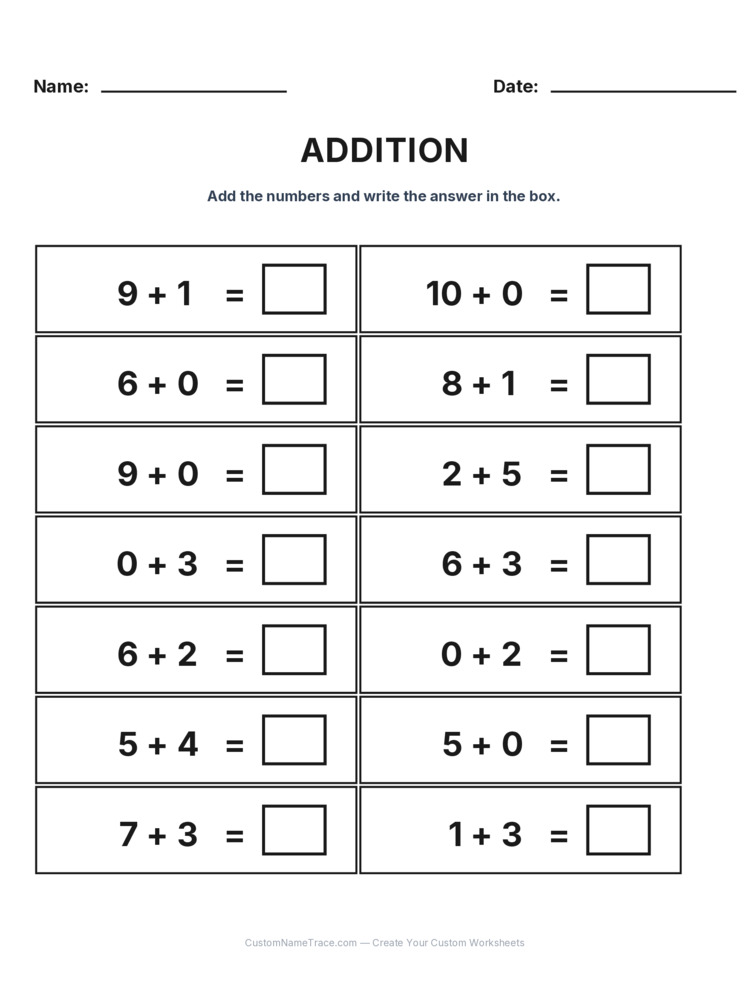
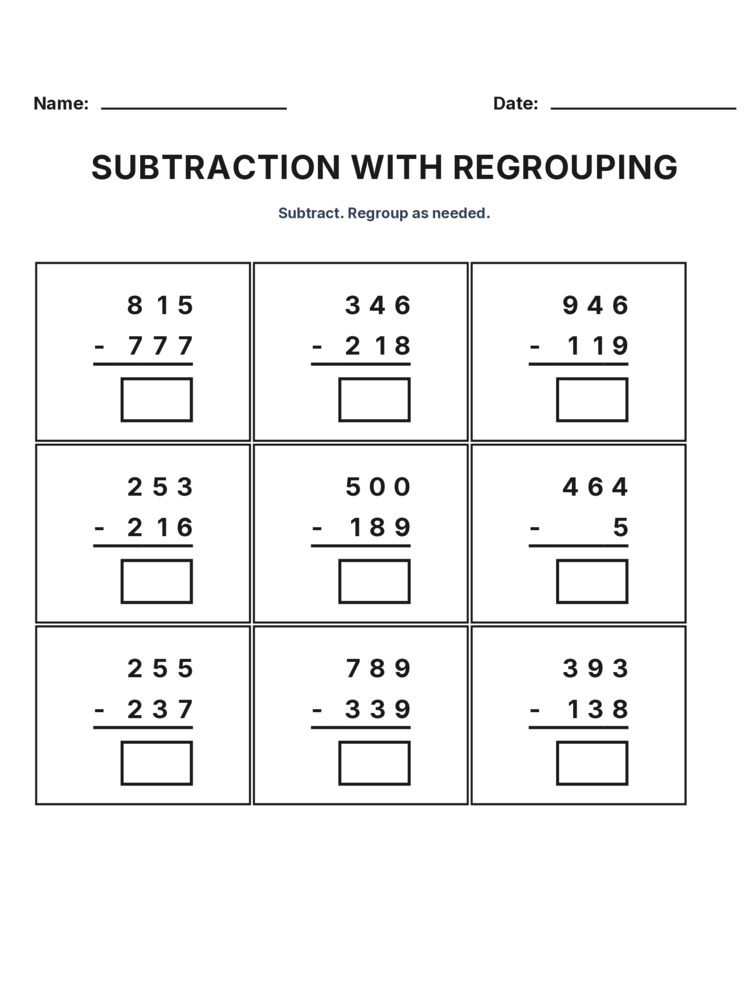
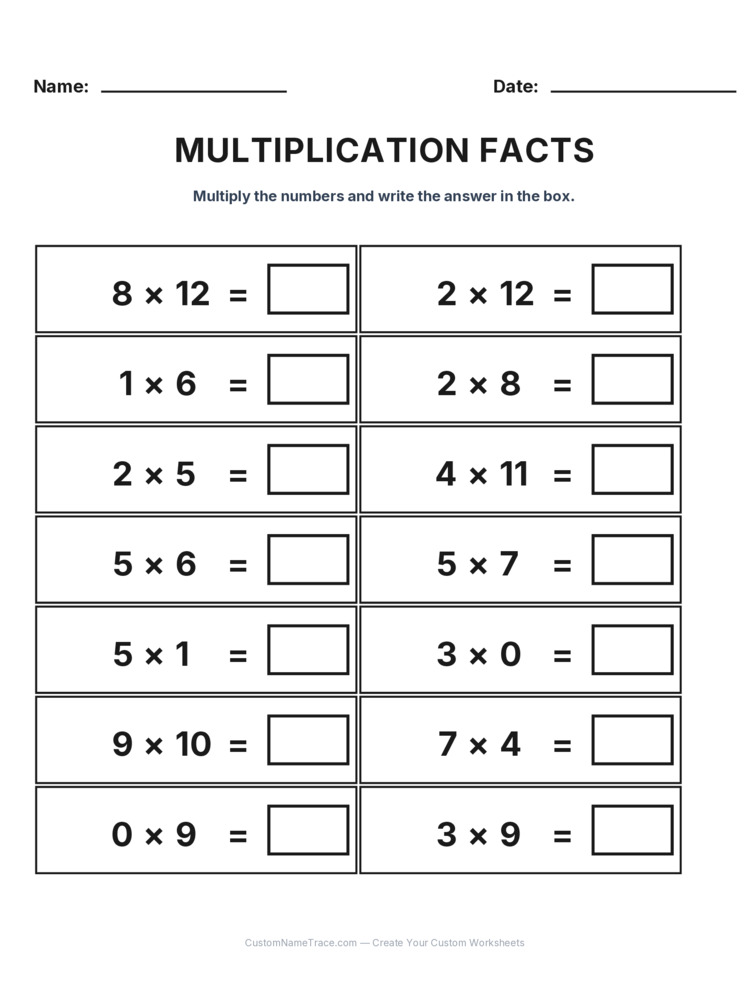
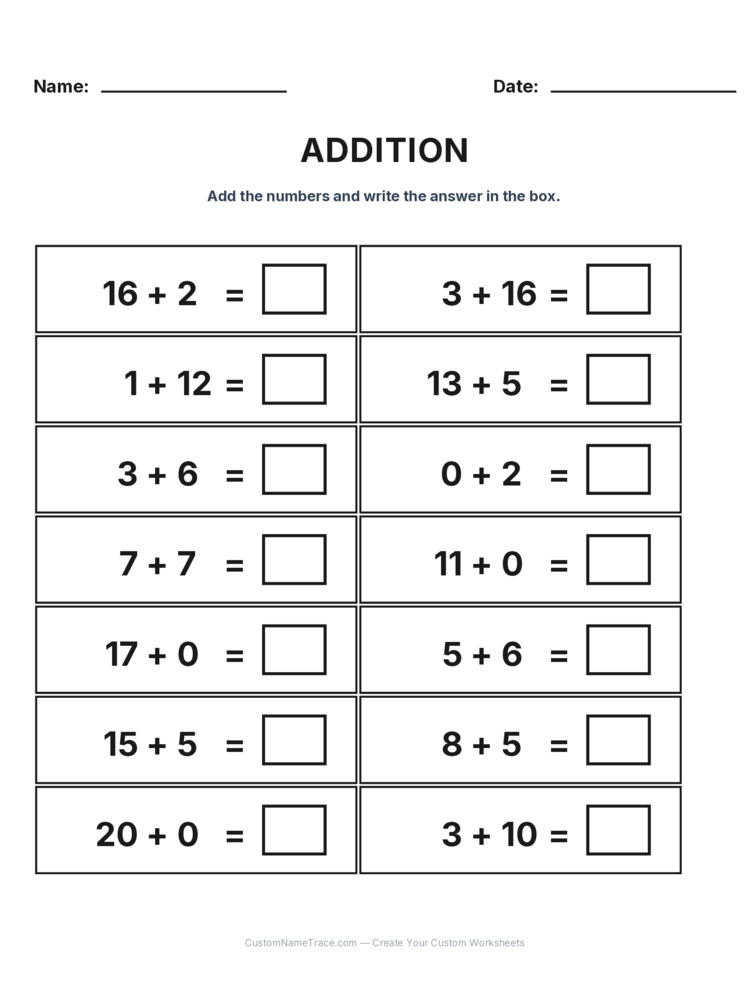
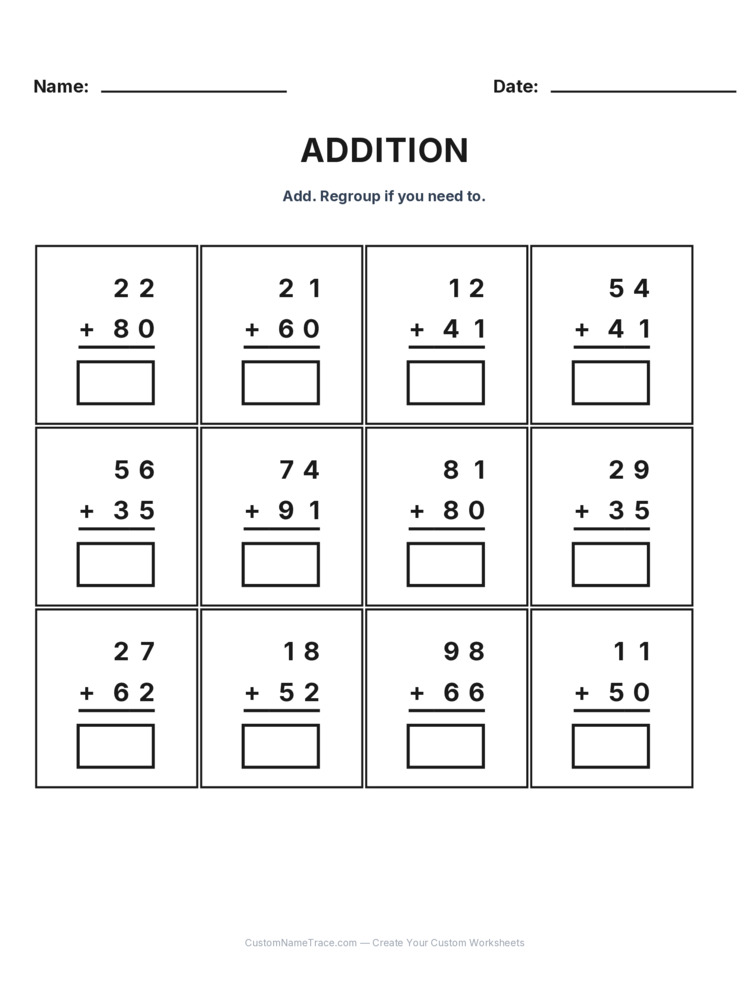
"Name tracing" is the door most people come through, but the same rendering engine drives 23 distinct worksheet types today — sight words and sentences, numbers, colors, animal names, days of the week, months, and family safety information like a parent's name and phone number — plus 14,380+ pre-made worksheets spanning names from twenty countries, Dolch and Fry sight words, math facts by grade, logic puzzles, and more, all browsable without typing anything at all. None of that variety was bolted on afterward as separate code paths — every one of those types is a configuration file describing its own fields, styles, and layouts, read by the identical engine that renders a name. Adding a new worksheet type to this site means writing a new configuration, not rebuilding the calibration and rendering logic from scratch, which is exactly why the list keeps growing instead of stalling out after the first handful of types.